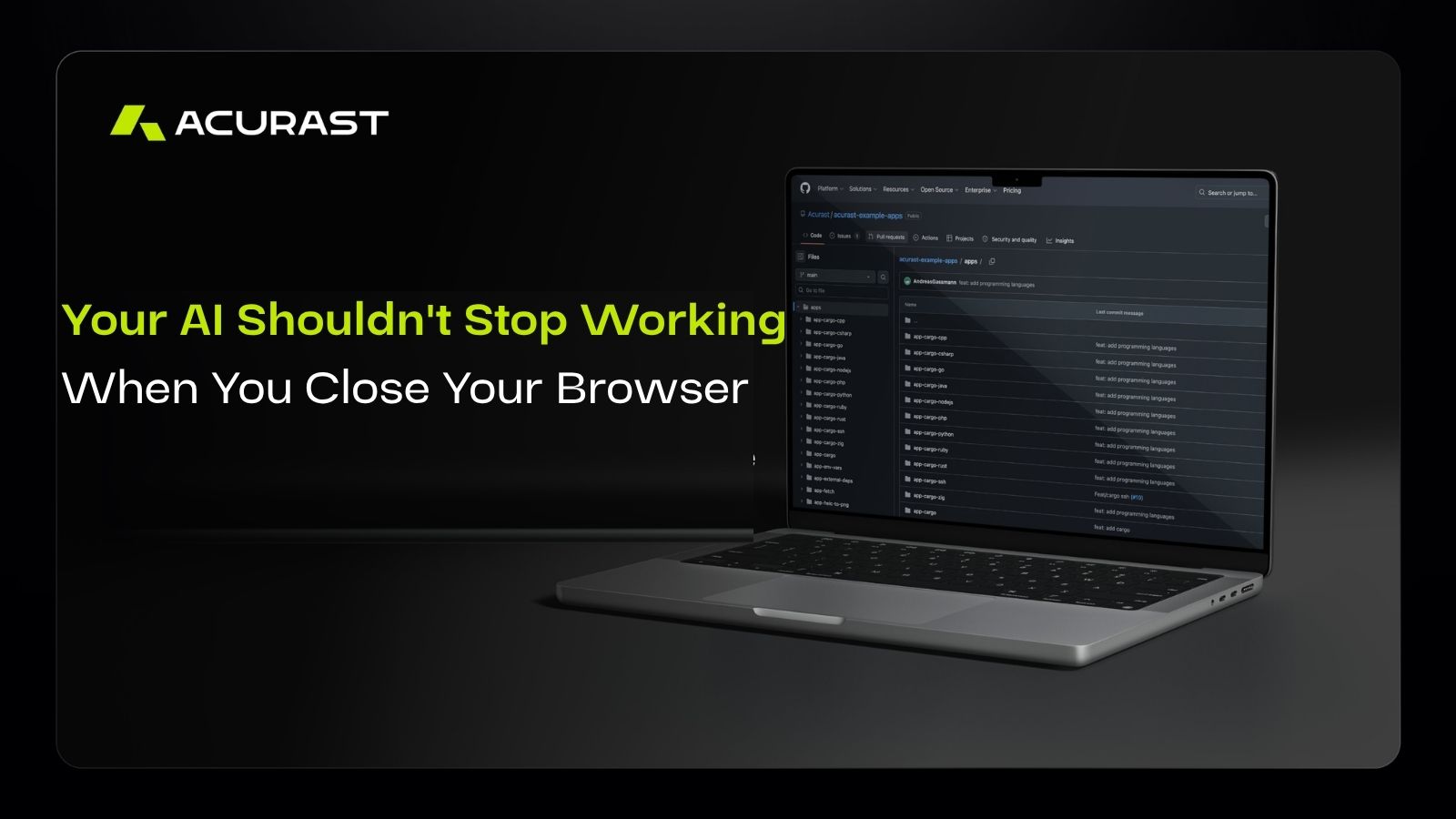
Your AI Shouldn’t Stop Working When You Close Your Browser
Building an AI agent has never been easier.
Every week introduces a new model, framework, or SDK that can reason, call tools, and automate tasks.
The shift
The challenge is no longer getting an agent to think
It’s getting one to keep working.
Most AI assistants are still built around conversations. You ask a question, they answer it, and the interaction ends. If you want the same work done tomorrow, you ask again.
That works well for conversations. It doesn’t work well for recurring work.
Whether you’re monitoring GitHub repositories, tracking market updates, reviewing support tickets, or generating daily research briefings, many tasks don’t need another prompt. They need an agent that remembers what it was asked to do and keeps doing it.
That’s the problem Hermes is designed to solve.
In this guide, you’ll learn how to deploy Hermes, an open-source autonomous AI agent, on the Acurast decentralized processor network. We’ll connect Hermes to OpenRouter, configure the deployment, and create a scheduled workflow that continues running without waiting for another prompt.
Building the Agent Is Only Half the Story
Much of the conversation around AI agents focuses on reasoning. Can the model use tools? Can it browse the web? Can it plan a sequence of actions?
Those questions matter, but they only describe what happens during a single interaction.
The next question is just as important: what happens after you’ve built the agent?
A practical agent needs somewhere to run. It needs to execute recurring tasks, keep track of previous work, expose an interface where you can manage it, and remain available after you’ve closed your browser.
Most agent frameworks leave those pieces to you.
Hermes starts there.
Rather than providing another set of building blocks, Hermes is a complete agent runtime. It combines scheduling, memory, tool use, OpenRouter integration, and a web interface into a single application that you can deploy and start using immediately.
That makes Hermes well suited for workflows such as:
- Summarizing the top Hacker News stories every morning.
- Monitoring GitHub repositories for new releases.
- Generating daily research or market briefings.
- Tracking competitor announcements.
- Reviewing websites and APIs on a schedule.
The goal isn’t to ask better questions every day. It’s to define useful work once and let the agent continue executing it.
Why Run Hermes on Acurast?
Running an autonomous agent usually means running infrastructure.
You need a server, a deployment pipeline, public endpoints, authentication, monitoring, and ongoing maintenance. None of those tasks make your agent smarter, but they are necessary to keep it available.
Acurast removes much of that operational overhead.
Instead of deploying Hermes to a traditional cloud server, you deploy it onto the Acurast decentralized processor network. Hermes continues running for the lifetime of the deployment, while OpenRouter provides access to leading language models such as GPT-4o and Claude.
This deployment model is powered by Codename Cargo, Acurast’s transition from a Node.js runtime to full Linux-based containers. Instead of being limited to JavaScript, developers can now deploy applications built with Python, Go, Rust, C++, and virtually any software that runs on Linux. That broader runtime makes applications like Hermes possible while opening the door to richer AI agents and production-ready workloads across the Acurast network.
Each component has a clear role:
- Hermes manages the agent and its workflows.
- OpenRouter connects Hermes to your preferred language model.
- Acurast provides decentralized compute where the agent runs.
- Cargo provides the Linux runtime.
Together, they provide everything needed to move from experimentation to a continuously running AI agent.
Deploying Hermes on Acurast
The Hermes example application includes everything required to get started.
Step 1: Configure Hermes
Begin by opening the Hermes example application from the Acurast Example Apps repository.
Before deploying, configure the required environment variables:
- Acurast mnemonic to authorize the deployment and pay network fees.
- SSH password for secure access to the processor if debugging is required.
- Callback URL where Acurast sends the generated deployment URL.
- Mainnet as the deployment network.
- OpenRouter API key to access your preferred language model.
- Default model, such as GPT-4o Mini.
- Web UI password to secure access to Hermes.
The project also includes an acurast.json configuration file. Most of the default values can remain unchanged, although it’s worth reviewing the deployment duration to ensure your agent remains online for as long as you need it.
Step 2: Deploy the Agent
Once the configuration is complete, deploy Hermes with:
acurast deploy
The Acurast CLI guides you through the remaining steps, including confirming the deployment fee before submitting the deployment.
After confirmation, the processor begins preparing the environment automatically.
Step 3: Verify the Deployment
As the deployment progresses, you’ll see logs showing dependencies being installed, services starting, and an SSH tunnel being configured.
A unique frontend URL is generated once the deployment is ready. The logs also provide an SSH command if you need direct access to the processor for troubleshooting.
When Hermes reports that it is ready, your autonomous agent is live.
Step 4: Log In and Create Your First Workflow
Open the generated frontend URL and log in using the password you configured earlier.
To see Hermes in action, create a scheduled task such as:
Every morning at 8:00 AM, visit Hacker News, fetch the top ten stories, summarize them, and deliver the summary in this session.
Hermes stores the task, adds it to its scheduler, and executes it automatically while the deployment remains active.
The example is intentionally simple, but it illustrates the broader idea. The same approach can be used to monitor repositories, generate recurring reports, watch APIs for changes, or automate research that would otherwise require the same prompt every day.
A Few Things to Keep in Mind
Hermes runs for as long as the Acurast deployment remains active.
When the deployment ends, the processor is released and the deployment data is removed. If you’re building recurring workflows, choose a deployment duration that gives your agent enough time to execute them.
More Than Another AI Agent
The rapid pace of AI development has made it easy to build impressive demonstrations. The next challenge is turning those demonstrations into software that performs useful work consistently.
Hermes addresses that challenge by providing a runtime designed for continuous execution instead of one-off interactions. Cargo provides the Linux runtime that makes those deployments possible, while Acurast provides the decentralized compute that keeps them running.
Together, they shift the conversation from building AI agents to operating AI agents.
That may prove to be the more important milestone.
Watch the Full Video Tutorial
The guide below covers the deployment process from start to finish, but seeing it in action makes the setup even easier.
Watch the accompanying video for a complete walkthrough of configuring Hermes, deploying it on Acurast, connecting OpenRouter, and creating your first autonomous workflow.
Whether you’re exploring AI agents for the first time or looking to deploy one yourself, the video provides a practical companion to this guide.