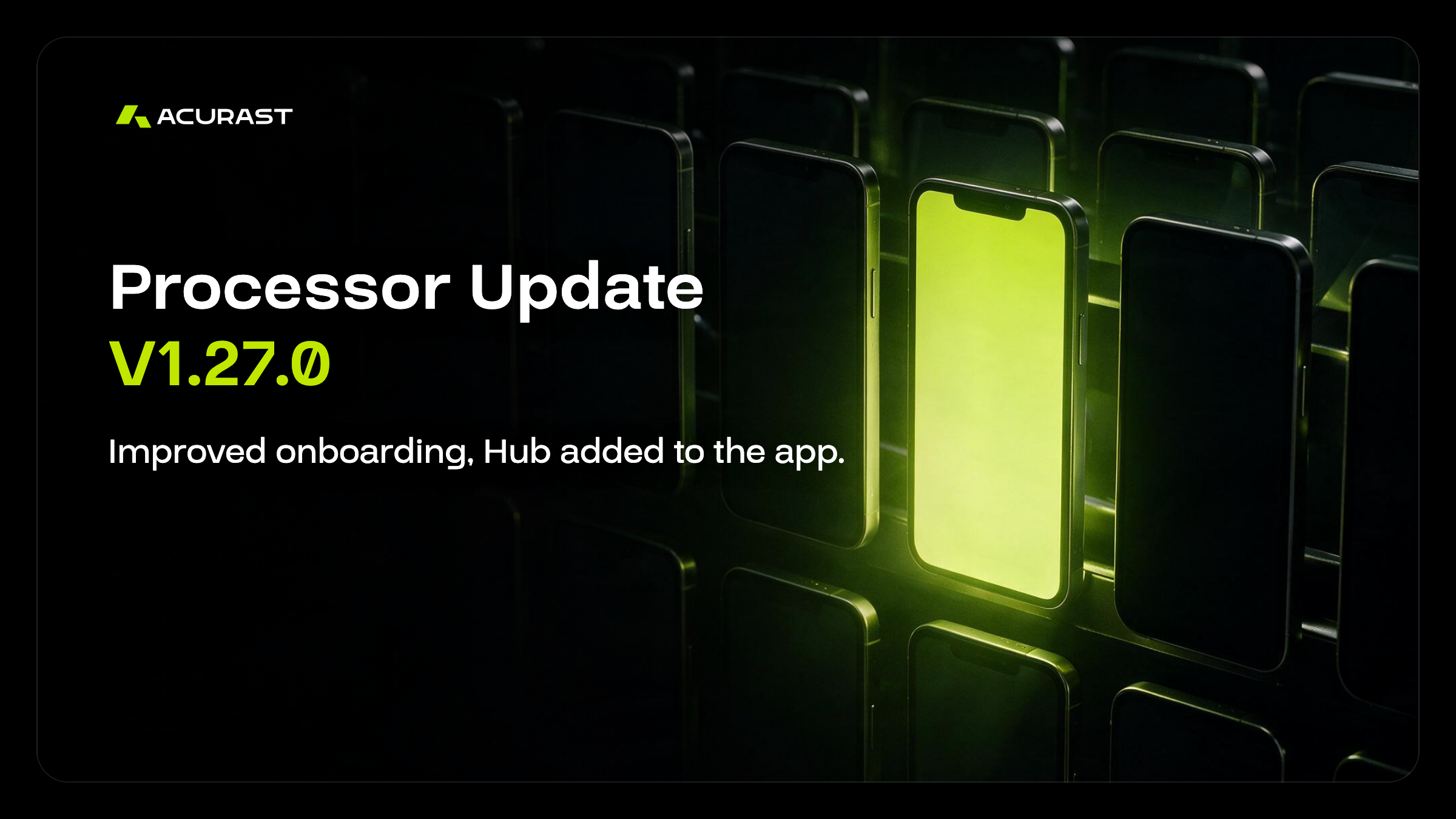
Acurast 프로세서 업데이트 V1.27.0
Acurast Android 프로세서 업데이트 V1.27.0
*더 새로운 버전인 V1.27.1이 출시되었습니다. 이 버전으로 업데이트해 주세요. 자세한 내용은 여기에서 확인하세요.
*iOS에서는 같은 업데이트가 포함된 버전 1.9.0이 출시되었습니다.
지금까지 전용 휴대폰을 Acurast 프로세서로 설정하려면 공장 초기화를 하고, 노트북에서 Acurast Hub를 연 다음, 두 화면 사이에서 QR 코드를 스캔해야 했습니다. 이 과정에서 연결 상태가 나쁠 때 가장 취약한 단계가 페어링이며, 지금까지는 페어링이 실패하면 간단히 다시 시도할 방법이 없었습니다.
Acurast 프로세서 1.27.0(현재 Android 전용)은 이 흐름을 새롭게 구성하고, 휴대폰이 네트워크에 참여한 뒤 일어나는 과정을 더 탄탄하게 다듬었습니다.
변경 사항 대부분은 새로운 기능보다는 설정과 안정성에 관한 것입니다.
프로세서 업데이트 V1.27.0
새롭게 설계된 온보딩
새 설정 화면. 앱 안의 Hub. 조용히 실패하는 일은 더 적게.
휴대폰 설정하기
이번 변경 사항은 평소 사용하는 휴대폰에서 다른 모든 용도와 함께 실행되는 Processor Lite와, 전용 휴대폰을 온전히 컴퓨팅에 맡기는 Processor Core에 적용됩니다.
환영 화면과 더 깔끔해진 계정 설정
이제 Lite는 제대로 된 환영 화면으로 시작하며, 복구 문구를 저장하는 단계를 포함해 그 뒤의 계정 설정 과정도 새롭게 디자인되었습니다.
Core와 Lite를 위한 프로비저닝 화면
두 버전 모두 새로운 프로비저닝 화면을 제공합니다. 앱이 휴대폰을 구성하고 프로세서로 등록하는 단계입니다.
Android에서는 이 단계에서 Work Profile도 생성됩니다. Work Profile은 휴대폰 안에 따로 관리되는 공간으로, Acurast의 워크로드를 개인 앱 및 데이터와 분리해 둡니다.
연결 상태가 나빠도 견디는 페어링
페어링은 휴대폰을 이를 관리하는 계정과 연결하는 과정으로, 양쪽이 동시에 연결되어 있어야 합니다. 그래서 연결이 불안정하면 다른 어떤 단계보다 이 단계가 먼저 실패합니다.
이제 이 흐름은 일시적인 네트워크 문제에 더 잘 견딥니다. 문제가 생기더라도 처음부터 다시 시작하지 않고 직접 다시 시도할 수 있습니다.
노트북 없이 사용하는 Hub
Acurast Hub는 프로세서를 관리하고, 상태를 확인하고, 배포를 생성하고, 스테이크할 수 있는 콘솔입니다. 예전에는 휴대폰에 로컬로 보관된 매니저 계정으로 Hub에 접속하려면 데스크톱 브라우저가 필요했습니다.
이제 Local Manager는 앱 안에서 Hub를 열 수 있습니다. 기능을 줄인 모바일 화면이 아니라, 이미 계정이 들어 있는 휴대폰에서 전체 Hub를 사용할 수 있습니다.
또한 Processor Core에서는 이제 휴대폰의 전체 시스템 설정을 열 수 있습니다. 이전에는 Wi-Fi 설정만 열 수 있었습니다.
개발자에게 달라지는 점
런타임 변경 사항 두 가지와, 눈여겨볼 만한 오류 메시지 개선입니다.
직접 제어하는 렌더링 화면
Cargo와 Node.js 배포는 휴대폰에 내장된 브라우저를 구동할 수 있습니다. 스크래핑 작업, 스크린샷 파이프라인 등 실제 렌더링 엔진이 필요한 작업은 이 브라우저로 처리됩니다.
예전에는 이 브라우저가 휴대폰의 디스플레이 크기에 맞춘 화면에 렌더링했습니다. 그래서 다양한 하드웨어로 구성된 휴대폰 네트워크에 배정된 배포는 휴대폰마다 다른 페이지를 렌더링했고, 출력을 서로 비교해야 할 때 문제가 되었습니다.
이제 배포에서 이 렌더링 화면의 크기와 픽셀 밀도를 설정하고 다시 읽어 올 수 있습니다. 요청에는 범위가 있습니다. 각 변은 240~2560 물리 픽셀(device pixel), 총 픽셀 수는 2560×1440 이하, 배율은 0.5~4 사이여야 합니다. 첫 탭이 열리기 전에 설정해야 하며, 그렇지 않으면 이전처럼 휴대폰의 디스플레이 크기로 화면이 생성됩니다.
Cargo에 대한 자세한 내용은 여기에서, Node.js는 여기에서 확인하세요.
더 새로운 Llama 빌드
휴대폰에서 언어 모델 작업을 수행하는 추론 엔진인, Node.js 런타임에 번들된 Llama 라이브러리가 빌드 b10164로 업데이트되었습니다.
읽을 가치가 있는 Cargo 오류 메시지
온체인에 보고되는 Cargo 실행 오류가 더 명확하고 정확해졌습니다. 지구 반대편의 휴대폰에서 컨테이너가 실패했을 때, 참고할 수 있는 정보는 대부분 온체인 오류 메시지뿐입니다.
참고: Cargo는 증명(attestation)을 거친 Android Core 휴대폰에서 실행됩니다. iOS의 Processor Lite는 이전과 마찬가지로 Node.js 워크로드를 처리합니다.
백그라운드 실패 감소
배포 코드는 Acurast가 워크로드를 배포하는 데 사용하는 P2P 네트워크인 IPFS를 통해 가져옵니다. 예전에는 가져오기가 실패하면 하트비트까지 함께 실패할 수 있었습니다. 하트비트는 모든 프로세서가 약 30분마다 보내는 상태 확인 신호로, 프로세서가 정상 작동하며 보상을 받고 있음을 증명합니다.
IPFS 안정성이 개선되었으며, 팀은 이러한 실패가 훨씬 줄어들 것으로 예상합니다. 이번 릴리스에는 실행 런타임에 대한 보안 패치와 더 자세한 사용 로그도 포함되어 있습니다. 문제를 직접 재현하는 대신 기록을 통해 추적할 수 있도록 하기 위한 것입니다.
업데이트 받기
프로세서 1.27.0의 버전 코드는 130이며 1.26.0의 후속 버전입니다. Google Play와 App Store를 통해 휴대폰에 배포되며, 스토어 업데이트를 기다리지 않고 Hub에서 휴대폰에 업데이트 신호를 보낼 수도 있습니다.
전체 릴리스 노트와 Canary 네트워크용 빌드는 GitHub에 공개되어 있습니다.
Acurast에서 개발하고 계신가요? 브라우저 화면 제어나 Cargo 오류 보고 개선으로 배포 방식이 달라졌다면, Acurast 팀이 그 경험을 듣고 싶어 합니다. Discord에 참여하세요.