Laya Demos: Try a System One Model Running on a Phone
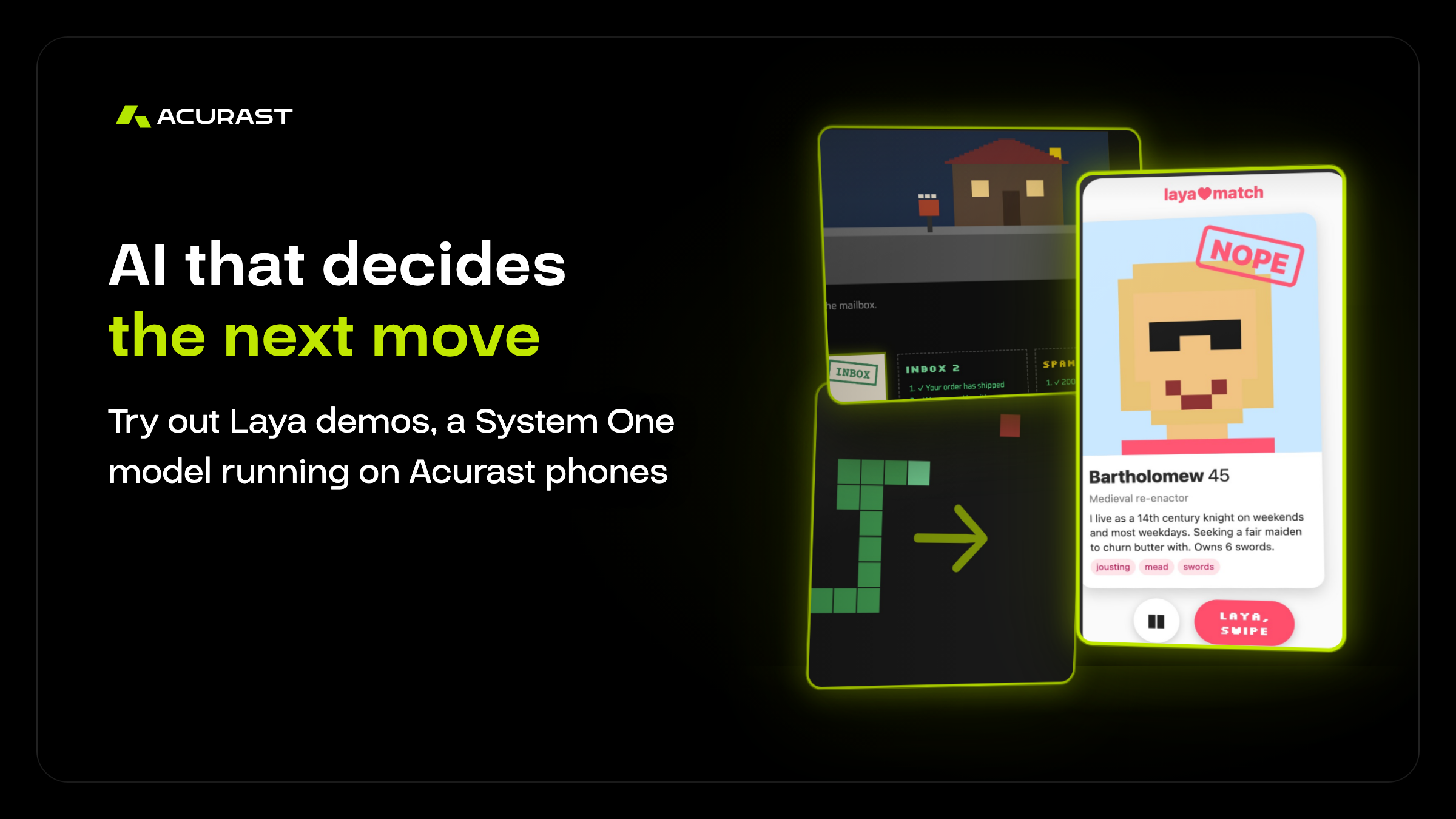
Nine live demos hand every decision they make to the same open AI model, running on an Android phone from the Acurast Network. In one it plays the classic Snake game; in another it decides whether your prompt injection gets past the guard.
The model is Laya, the open System One model from ConvAI Innovations. The first post covered why System One models belong on a decentralized cloud. This one is a tour of the Laya demos: what each one does, what Laya decides in it, and where to try them yourself.
How Every Demo Works
A System One model doesn’t write text. Each demo sends Laya the current situation and a question with fixed options, and Laya picks one, with a probability for each. Turn left or right? Inbox, spam or phishing? Let the prompt through or block it?
That is one HTTP call to a phone, which runs Laya on its CPU and answers in about 0.2 to 1 second. The demo acts on the answer, shows what changed and asks again. Every demo below runs that same loop with the same model, and only the options change.
9
Live demos, plus an API
0.2 s
Per short decision on the fastest phones
The Games: Snake, Tetris and Doom
Games make the loop easy to see, because every move on screen is a decision Laya made a moment earlier.
Snake
Laya steers. In step mode the game waits for every answer and moves one cell at a time. In real-time mode the snake keeps moving, so Laya plans where to turn instead. You can add your own strategy to every question and watch how the play changes.
Tetris
For each piece, the page shortlists the five best placements and labels them good or bad: completes a row, fits without gaps, leaves a gap. Laya picks one. Here too, your own strategy goes into every question.
Doom
The real Doom engine, running the free Freedoom game files. Laya only gets what a player would see: health, ammo, and the monsters, items and doors in view. No map, no exit marker, nothing behind walls. Each turn it picks the next move; shoot, aim, grab an item, open a door or explore, and a small controller on the page carries it out.
Reading the Inbox: Mail, News and Chat
Classifying text is the everyday job System One models are built for. Three demos show it from different angles.
- Mail sorter: a pixel postman drops off a bag of mail, and Laya opens one letter after another and files it as inbox, spam or phishing. Every letter has a known answer, so the page keeps score. Write your own letter and see where it lands.
- Newsroom: headlines roll off a printing press, and Laya judges how each one is written: straight news, satire, clickbait or manipulation. It can’t check facts, since it has no internet access, so it judges the writing. Feed it real RSS feeds, your own categories or your own headline.
- Live chat moderator: a stream chat scrolls by, and Laya flags toxic, spam and scam messages from a live queue. Chat along and see if you get flagged.
Jailbreak the Guard
Laya stands at the door of an AI assistant and decides, for every prompt, whether to let it through or block it, and what kind of attack it looks like. Your job is to get a sneaky prompt injection past it. There is no real assistant behind the door, only the verdict, so you can try anything.
This is the demo with the most obvious production use. A guard like this can sit in front of any chatbot or agent and screen what reaches it, on a phone you control instead of someone else’s API.
Just for Fun: Swipe for Me and the Hotline
- Swipe for me: describe what you look for in a partner for life, and Laya swipes through a deck of strange pixel profiles, history’s oddest included, with a compatibility score for each. Add your own profile to the deck.
- Anonymous hotline: stuck on a decision? Describe it, list your options, and a phone you’ll never meet picks one. No account, no sign-up, and the phone keeps no request logs.
Use It in Your Own App
Everything the demos do is a single HTTP call, and the API page lays it out: a state, a few typed questions, and back comes a choice, a score or a yes-or-no probability. It comes with curl, JavaScript and Python examples, a live playground, and an llms.txt file so AI agents can read the whole API in one go.
“Snake, spam filtering and prompt security look like three different products. To Laya, they are the same question with different options.”
Where It Falls Short
The demos show Laya’s limits as well as its strengths. In testing, the mail sorter got 144 of 160 letters right, about 90%, so expect the odd miss. The newsroom can say a headline reads like clickbait, but not whether it is true. Tricky or adversarial text can still fool it, which is exactly what the guard game invites you to try. And one phone can only keep up with so much: speed up the chat and the moderator’s queue starts to grow.
Treat Laya as a fast first filter, not the final word.
Try It Yourself
The demos are live at laya.acurast.com, and the model behind them doesn’t run in a data center. Every answer comes from a real phone on the Acurast Network, and each page shows you which one: the country it’s in, its chip and how many decisions it has served, with a link to verify it on-chain. When Laya turns your snake or blocks your prompt, a phone somewhere in the world made that call, and you can check it yourself. A good place to start is the guard: see how long your best prompt injection survives.
Want your own instance? Pick the Cargo: Laya template in the Acurast Hub playground, and a few minutes later your own decision model runs on one of 320,000+ phones, for under 1 ACU a day. The code, demos included, is open in the Acurast example apps on GitHub.
Building on Acurast? If you’re running your own models, agent backends or decision services on attested phones, the Acurast Discord is where builders compare notes. Join the Discord.
Related Blogs

Author